Write slowly. Think clearly.
A quiet place to write. Plain Markdown in a folder you choose – formatting fades in only where the caret is.
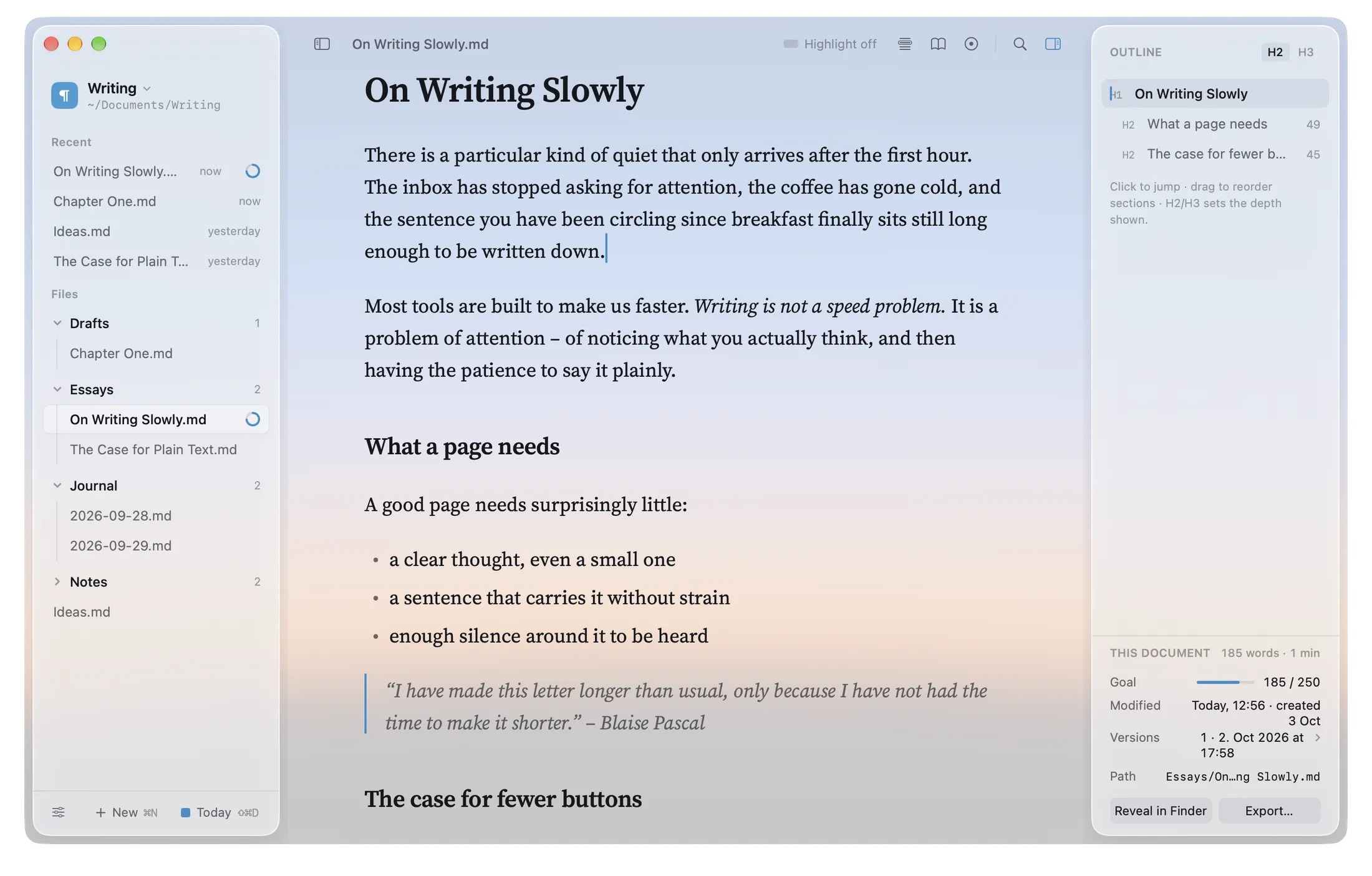

Writing is not a speed problem.
It is a problem of attention. Open a page, write a few sentences and see how little there is to get in the way.
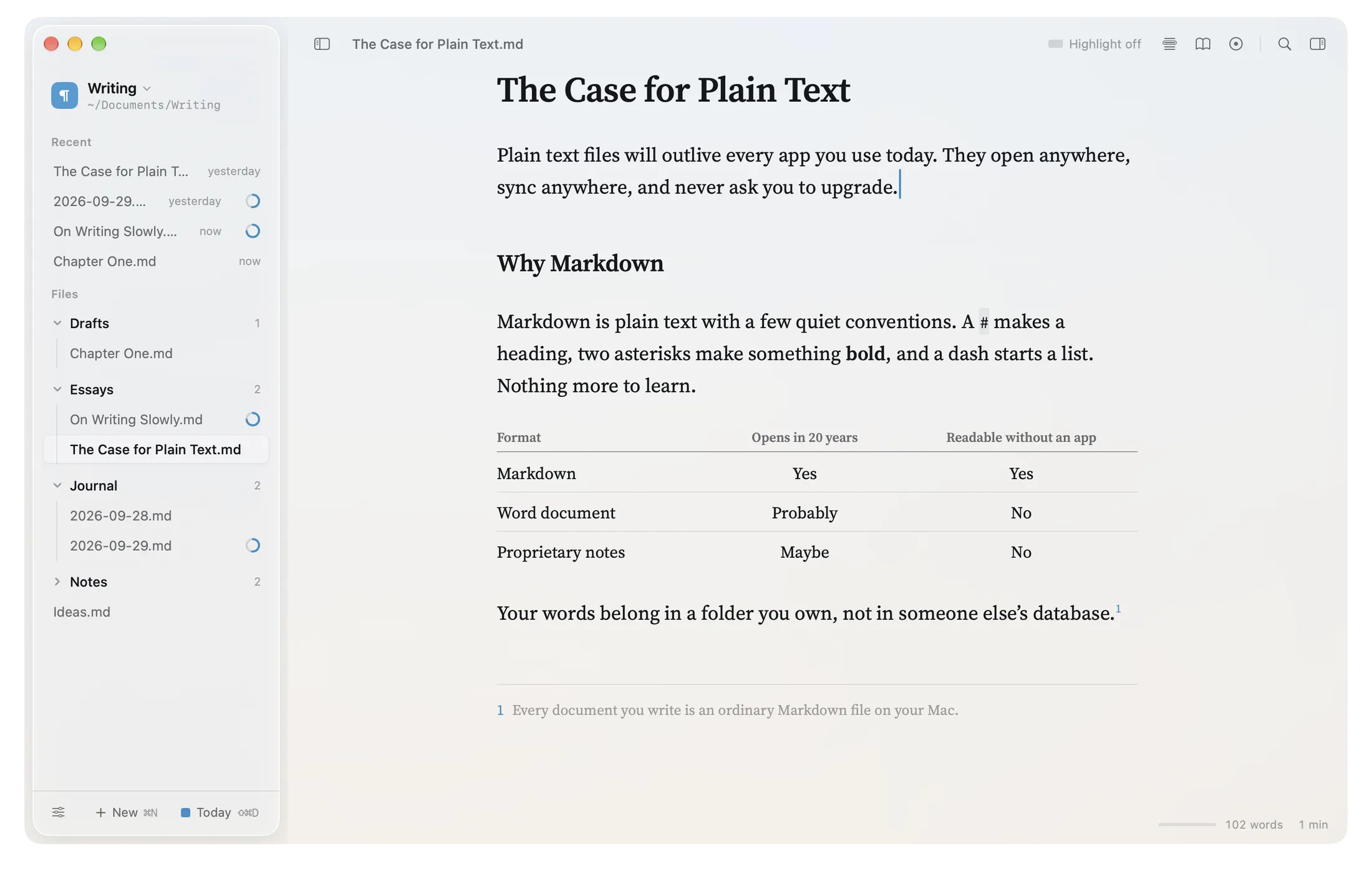
Click into the page and type – Markdown symbols show only on the line you’re on. Nothing is saved.
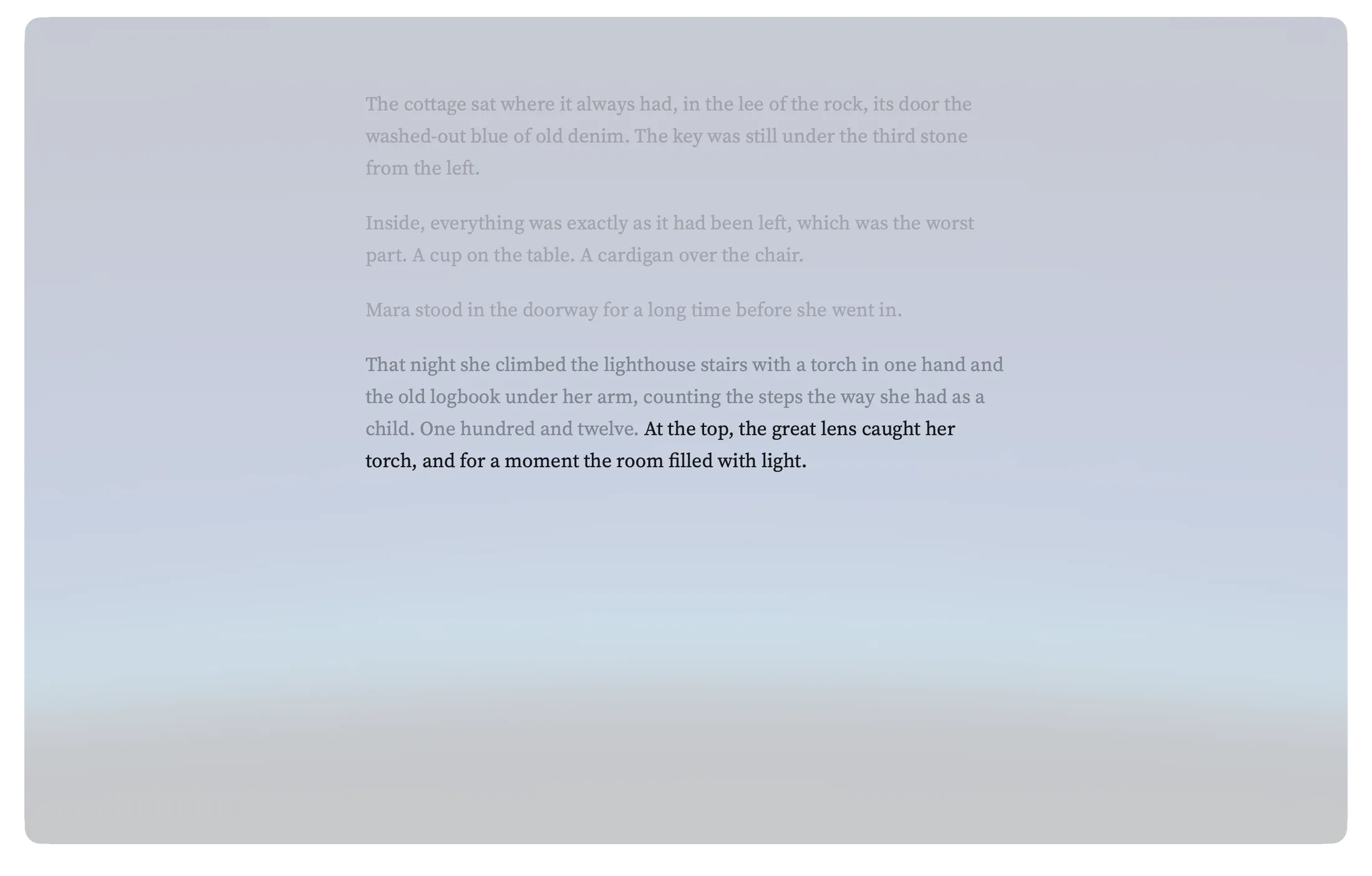
Only the sentence you’re on.
Highlight dims everything but the sentence or paragraph you’re in. Typewriter mode keeps your line in the middle of the window. Focus mode hides the rest of the interface.
Choose how words arrive.
A caret on a spring, ink that dries, letters set one by one – or no motion at all. klar. respects Reduce Motion.
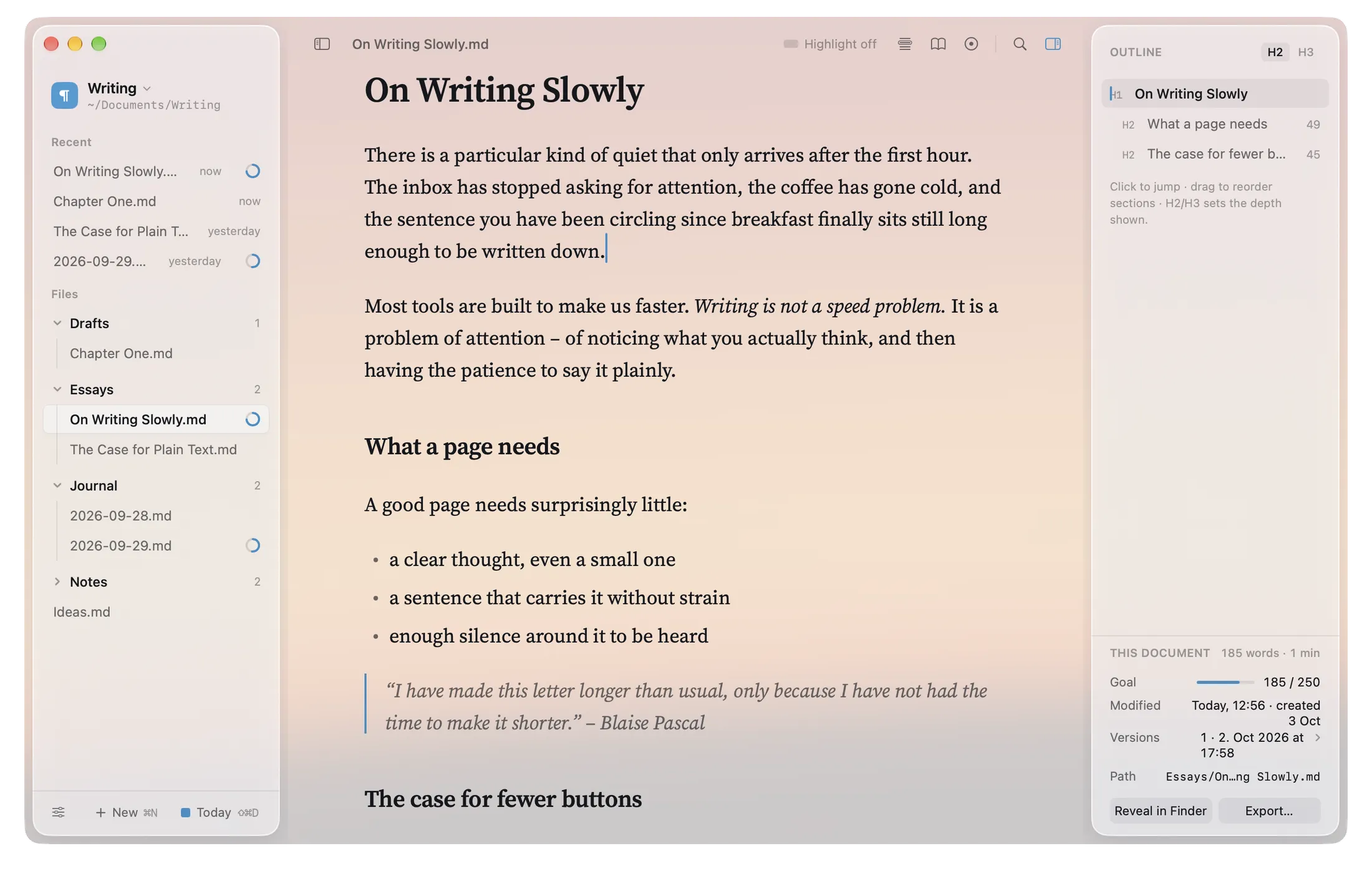
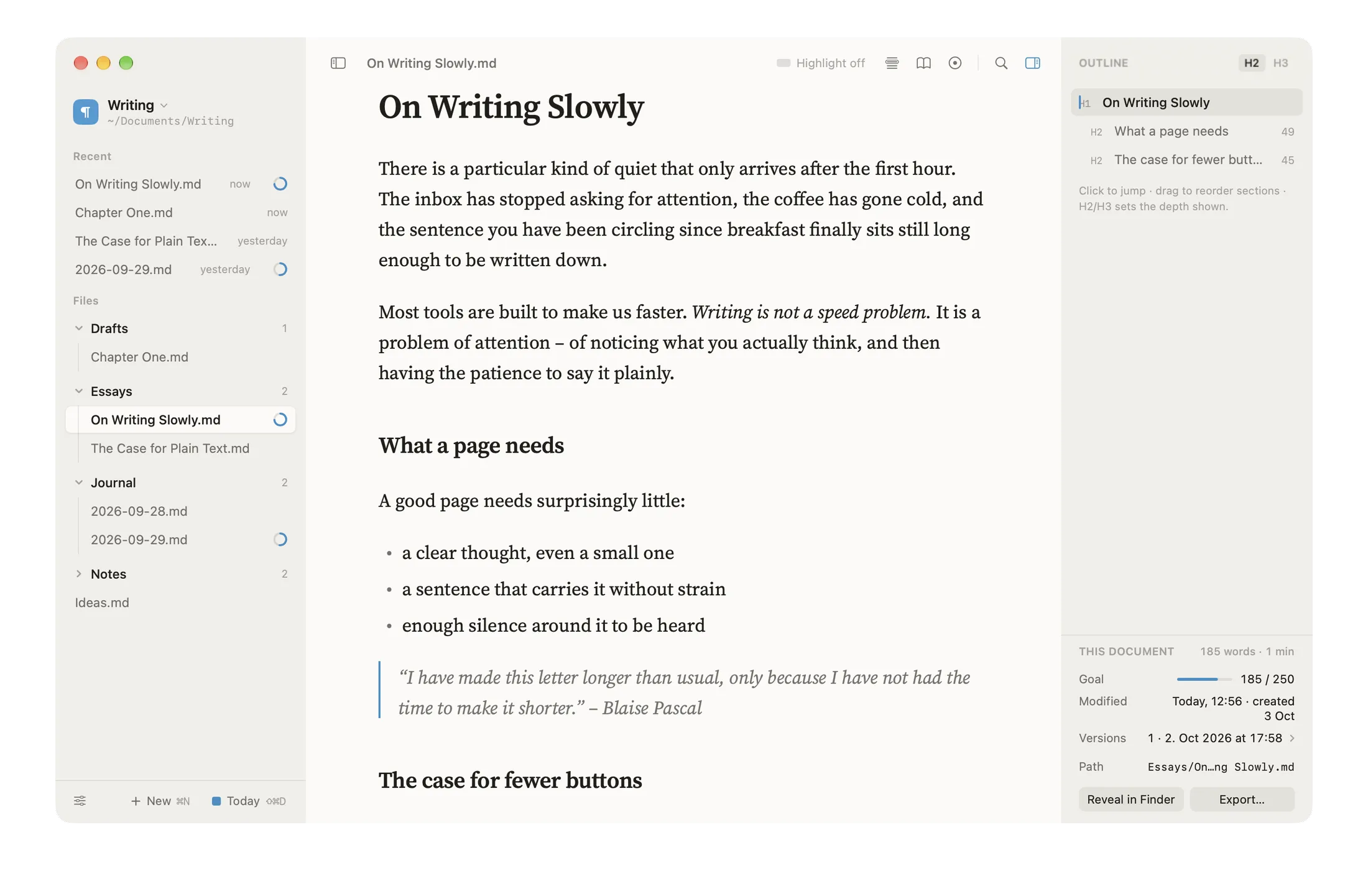
Six rooms to write in.
Plus an accent colour of your own: Sky, Amber, Graphite, Sage – or any you like.
Paper – Warm white
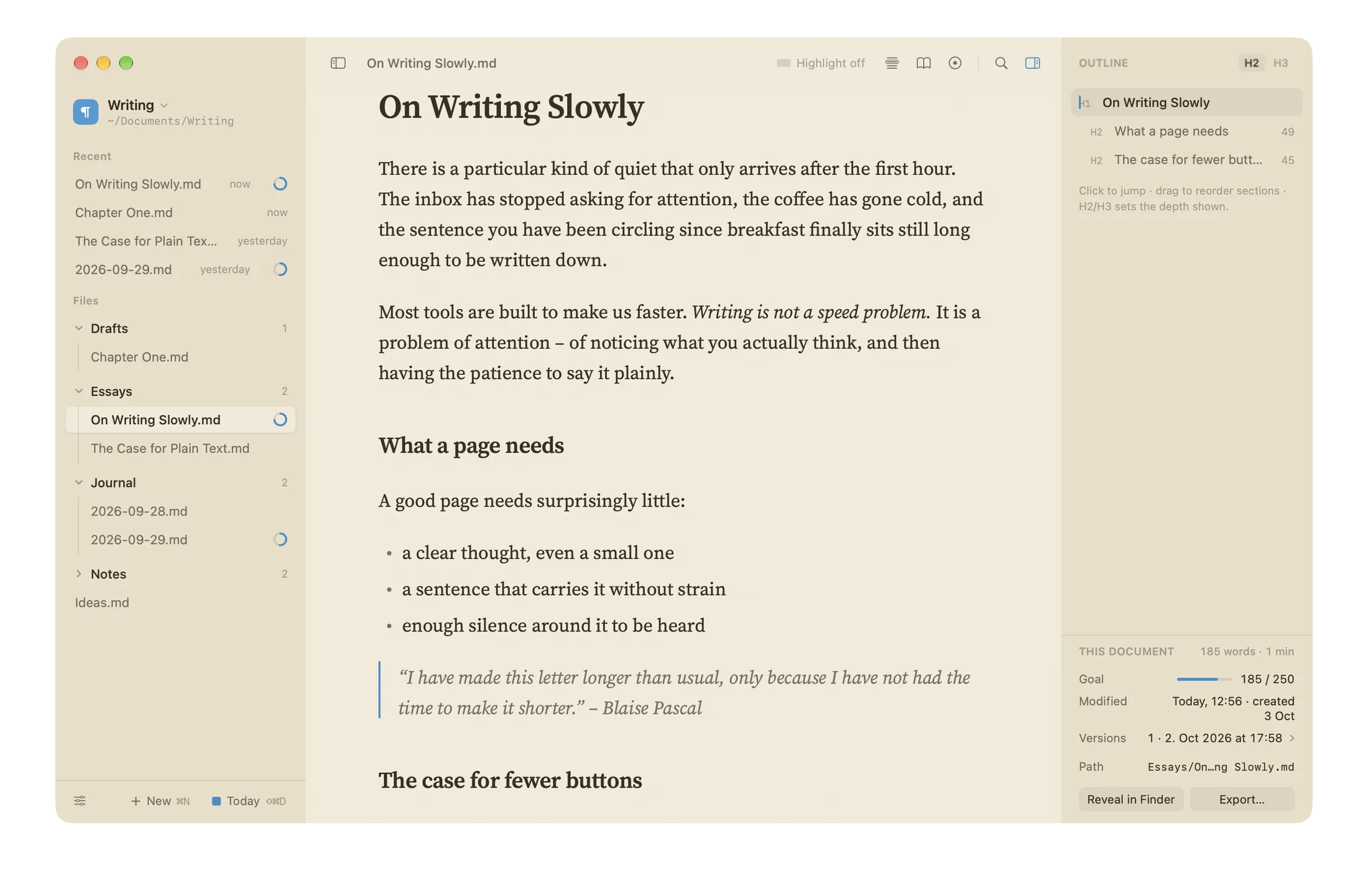
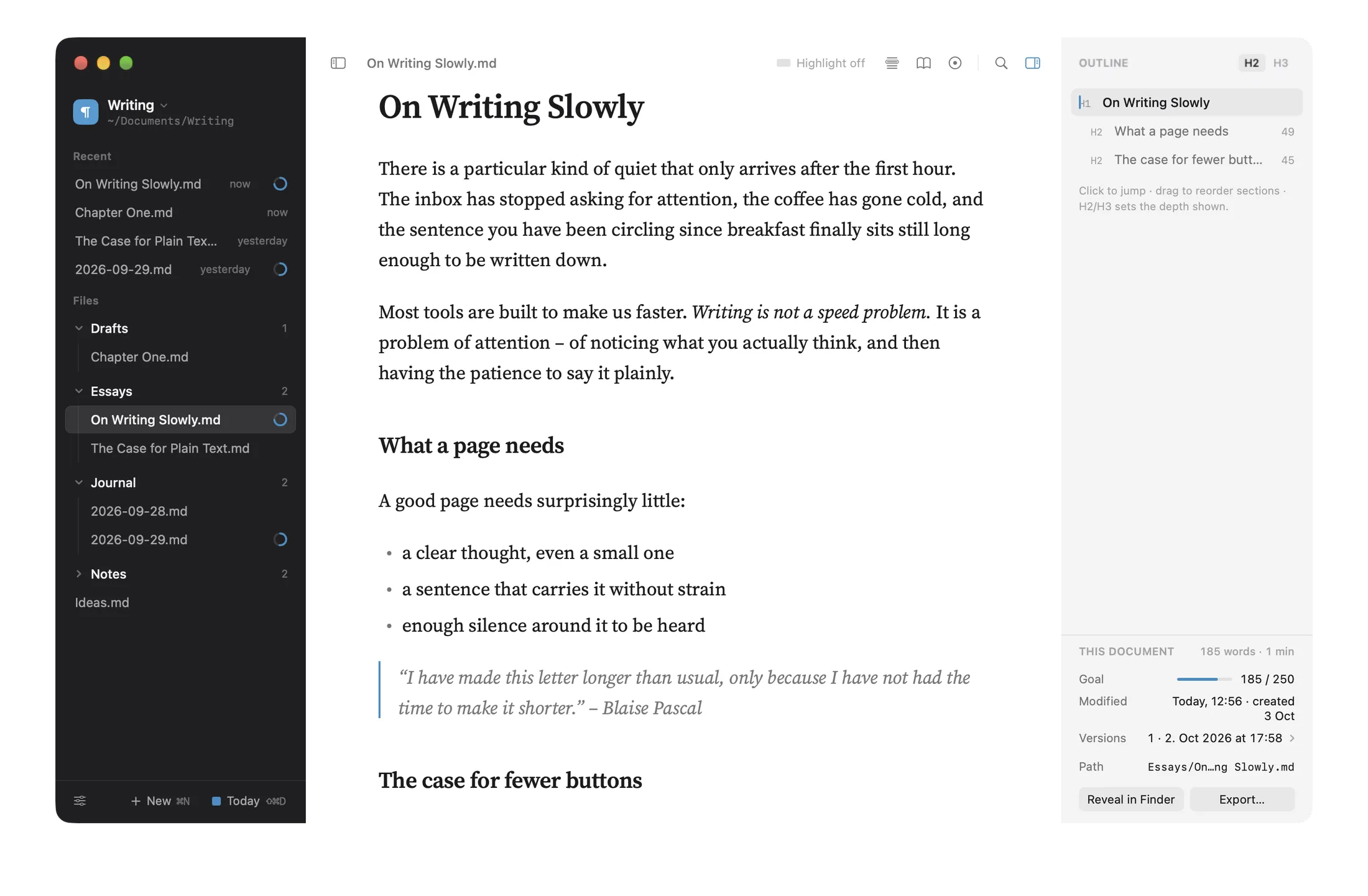
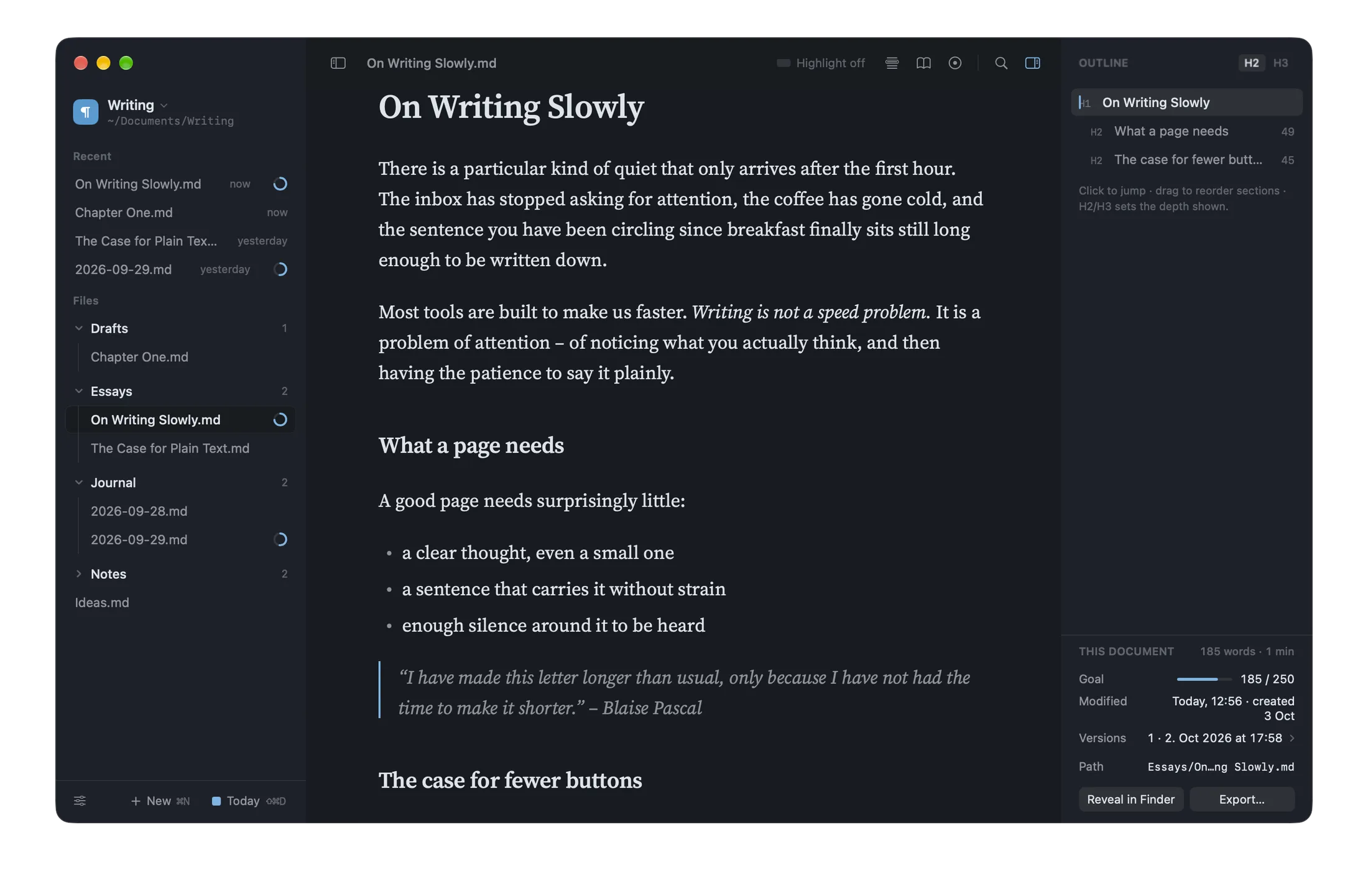
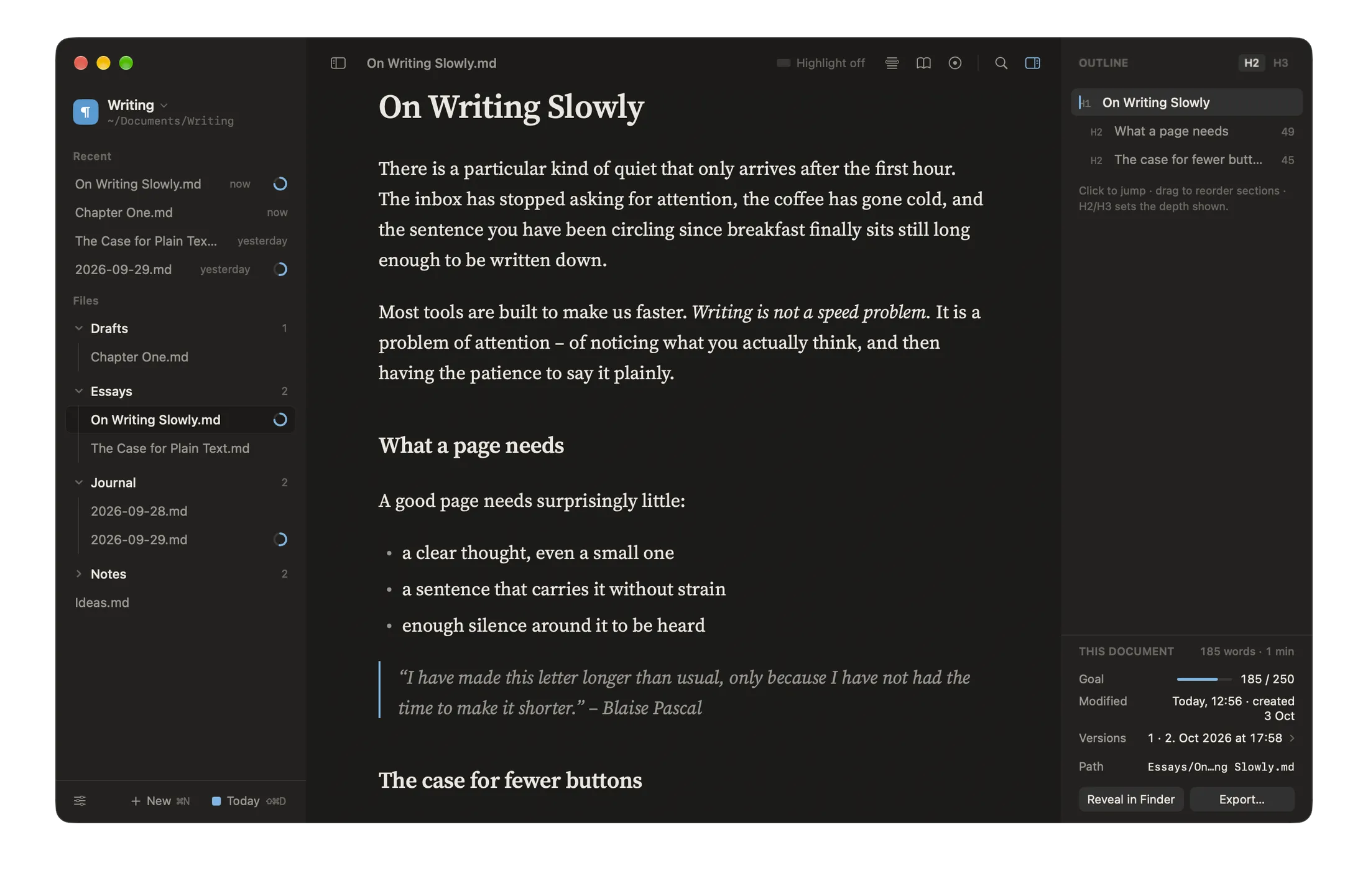
Your words, in files you own.
Every document is an ordinary .md file in a folder you choose – on your Mac, in iCloud Drive or anywhere else. No account, no sign-up, no lock-in.
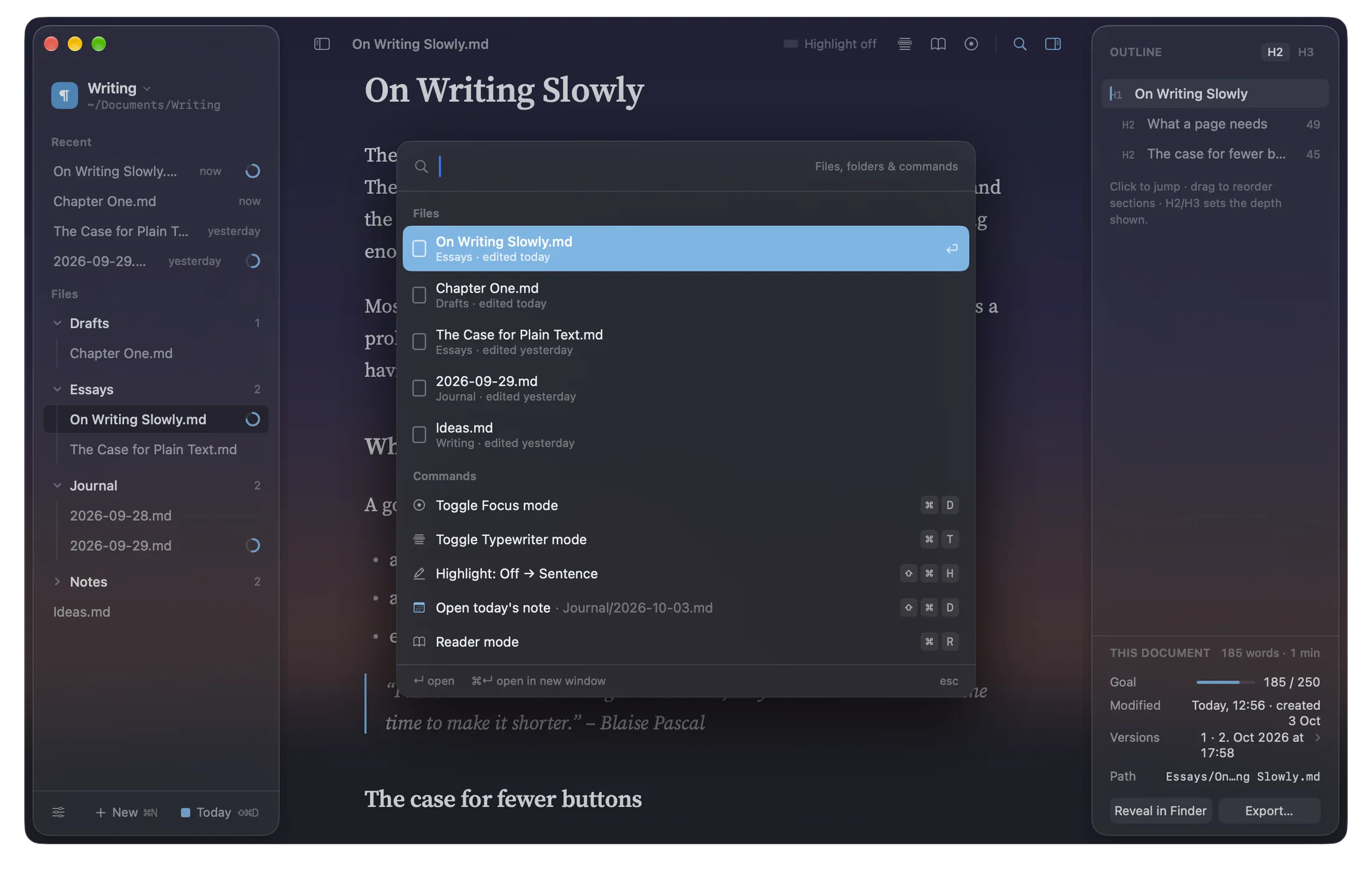
One keystroke to anywhere.
Every file, every folder and every command – a ⌘K away.
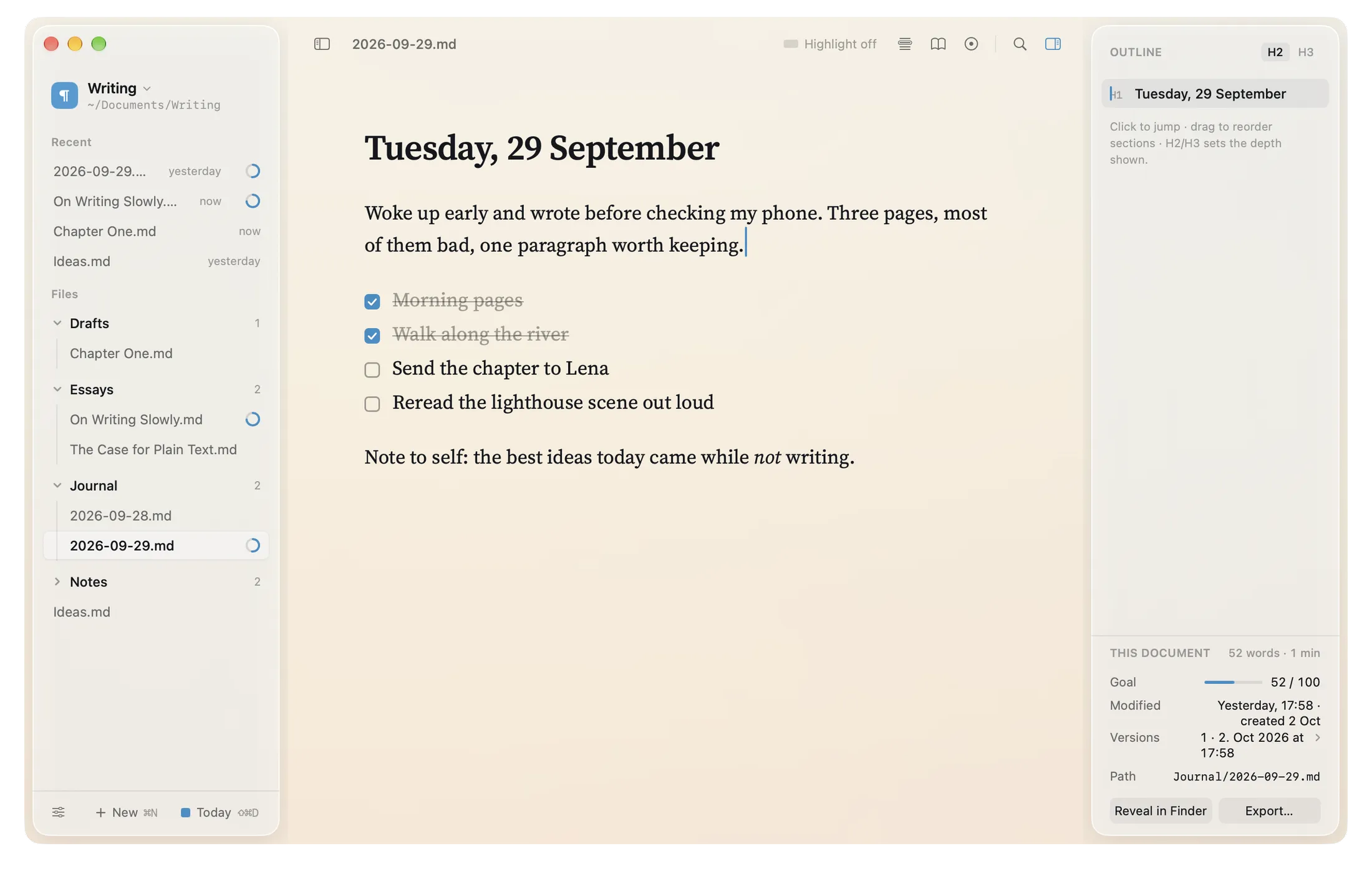
A fresh page, every morning.
Today’s note is always one shortcut away: ⇧⌘D. A file named after the date – a simple journal or diary.
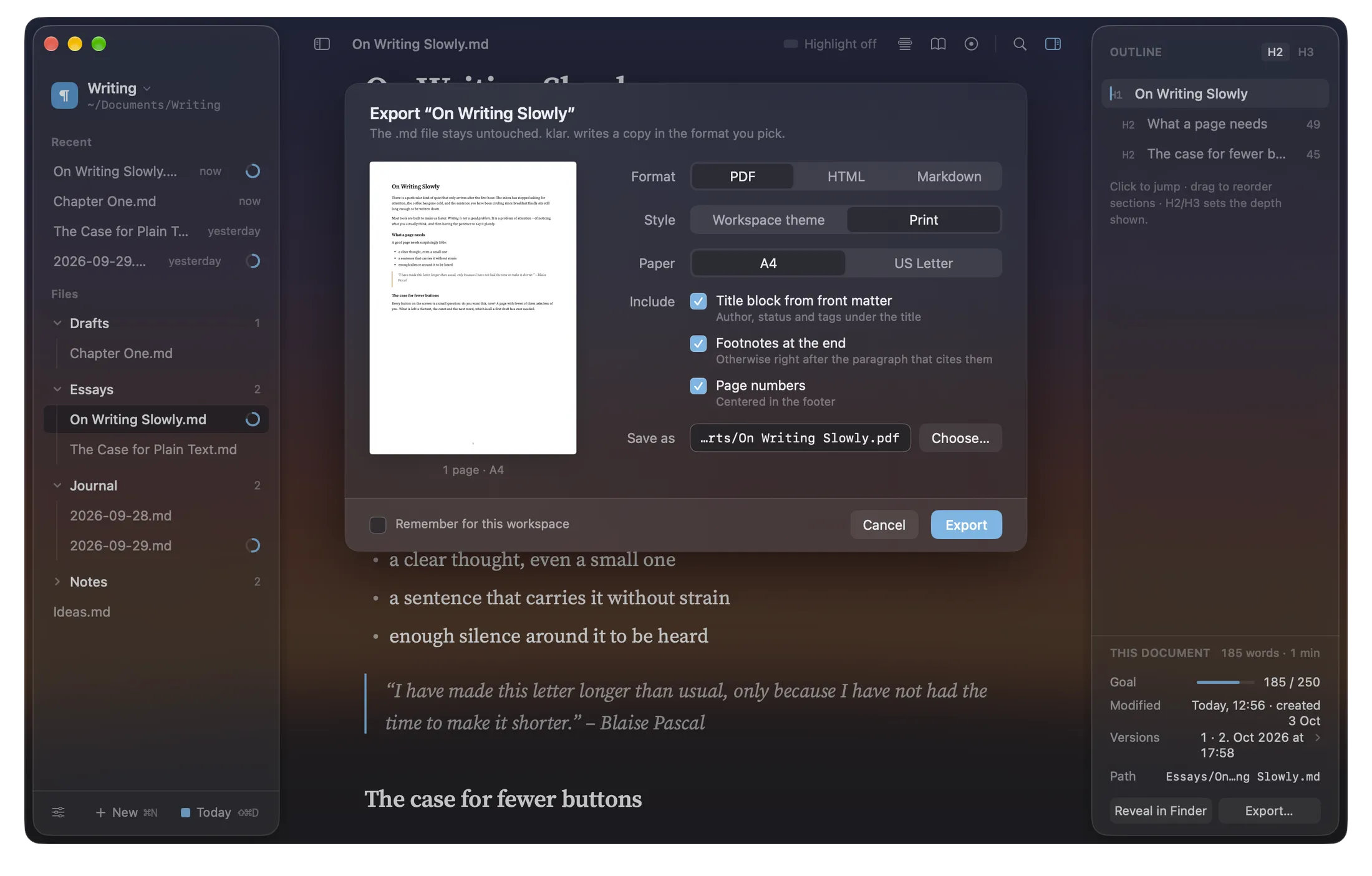
PDF, HTML, Markdown or text.
Typeset in your theme or a clean print style, with footnotes, tables, task lists and code blocks. The original stays untouched.
Small things, done quietly.
Versions
A snapshot every five minutes while you write. Compare earlier drafts and restore any of them.
Outline & goals
Headings become an outline: click to jump, drag to reorder. Writing goals from 250 to 2,000 words.
Workspaces
Keep projects apart, each with its own folder, theme and settings.
Slash menu
Type / on an empty line for headings, lists, tasks, quotes, code blocks and tables.
Reader mode
The page without any syntax – read aloud, if you like, in the best voice your Mac has.
Private by design
No ads, no tracking of what you write. Your writing never leaves your Mac unless you put it somewhere yourself.
Start with the demo.
The full editor, to try. When you unlock klar., everything you wrote in the demo moves into your workspace.
klar. is made by one person and funded by the people who write in it. Choose a monthly or yearly subscription, or buy it once – the one-time purchase includes Family Sharing and future Mac updates.